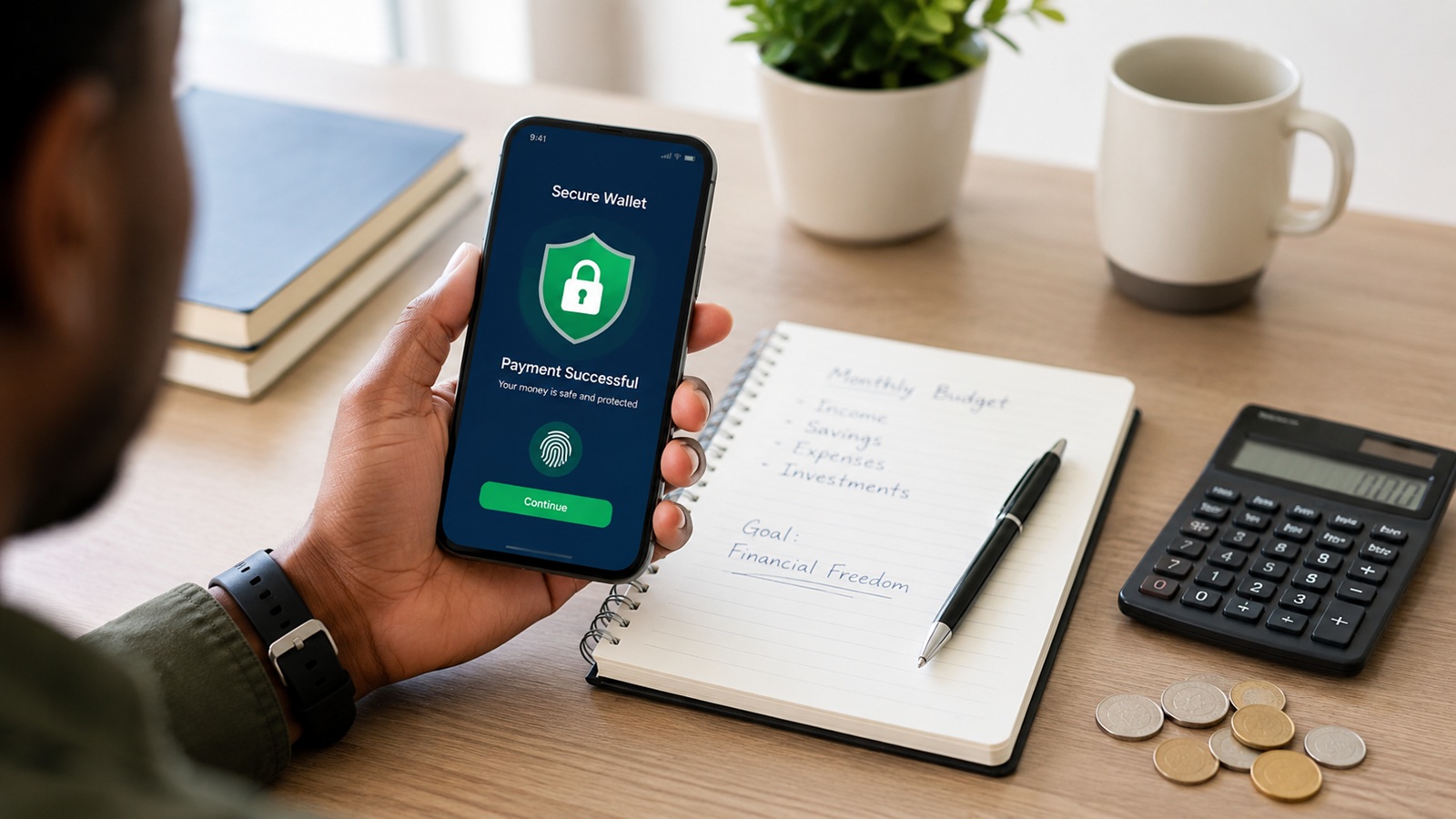
Safe Ways to Use Mobile Money and Avoid Fraud
Mobile money has made it easier to send, receive, save, and pay money using a mobile phone. Many people now use mobile money for shopping, school fees, bills, business payments, family support, savings, and emergency transfers.
However, the same convenience also creates risks. Fraudsters know that mobile money is part of daily life, so they use tricks to steal PINs, personal details, SIM cards, and wallet balances. Common risks in mobile money include identity theft, SIM swap fraud, SMS fraud, and impersonation scams. GSMA identifies identity theft, SIM swap, and SMS fraud as important fraud risks affecting mobile money users.
Using mobile money safely does not mean you should fear digital payments. It means you should understand the risks and protect yourself every time you transact.
What Is Mobile Money Fraud?
Mobile money fraud happens when someone uses deception, stolen information, fake messages, or unauthorized access to take money from a mobile wallet.
Fraudsters may pretend to be customer care agents, mobile money staff, bank workers, relatives, buyers, sellers, or government officials. Their goal is usually to make you share your PIN, approve a transaction, reverse money, click a fake link, or reveal personal information.
Mobile money fraud can happen through:
- Fake SMS messages
- Fake reversal requests
- SIM swap scams
- Phone calls from impersonators
- Fake customer care numbers
- Fake online sellers
- Phishing links
- Stolen phones
- Weak PINs
- Sharing personal information
The good news is that many mobile money scams can be avoided if you remain careful.
1. Never Share Your Mobile Money PIN
Your PIN is the key to your mobile wallet. If someone gets it, they may be able to access your money.
Never share your PIN with:
- Friends
- Relatives
- Agents
- Strangers
- Customer care callers
- Online sellers
- People claiming to reverse money
- People claiming to update your account
Mobile money providers will not ask you to reveal your PIN over the phone. Safaricom’s fraud awareness guidance also warns users against sharing PINs, passwords, or sensitive personal information with suspicious callers or messages.
If someone asks for your PIN, treat it as a warning sign.
2. Use a Strong PIN
Avoid using a PIN that is easy to guess.
Weak PINs include:
- 0000
- 1234
- 1111
- Your birth year
- Your phone number digits
- Your ID number digits
- Repeated numbers
- Numbers known by close friends or family
Choose a PIN that is difficult for others to guess but easy for you to remember.
If you suspect that someone has seen or guessed your PIN, change it immediately.
3. Confirm the Recipient Before Sending Money
Sending money to the wrong number is a common mistake. Before you complete a transaction, check the recipient’s name carefully.
Do not rush. Take a few seconds to confirm:
- Phone number
- Registered name
- Amount
- Purpose of payment
If the name looks unfamiliar, cancel the transaction and check again.
A small delay is better than losing money.
4. Beware of Fake Reversal Messages
One common trick is fake reversal fraud. A fraudster may send a fake message claiming they sent money to you by mistake. They may then call and pressure you to send the money back quickly.
Before reversing or sending any money, check your actual balance and transaction history. Do not rely only on the message you received.
If money was truly sent to you by mistake, use the official reversal process from your provider. Do not send money manually to a stranger under pressure.
5. Do Not Trust Every Caller
Fraudsters often call pretending to be from mobile money customer care, a bank, a government office, or a known company.
They may say:
- Your account will be blocked.
- Your SIM card needs updating.
- You have won a prize.
- Your mobile wallet has a problem.
- You need to confirm your PIN.
- Someone sent money wrongly.
- Your account needs verification.
These calls are designed to create fear or excitement. When you feel rushed, you may make mistakes.
Do not share your PIN, ID number, password, OTP, or account details with unknown callers. End the call and contact your provider through official channels.
6. Protect Yourself from SIM Swap Fraud
SIM swap fraud happens when a fraudster takes control of your phone number by replacing your SIM card without your permission. Once they control the number, they may try to access your mobile money, bank accounts, or one-time passwords.
SIM swap fraud is a serious risk because many digital services use phone numbers for verification. I&M Bank Kenya explains that SIM swap fraud involves taking over a victim’s phone number and using it to carry out mobile banking transactions or receive OTPs.
Warning signs of SIM swap fraud may include:
- Your phone suddenly loses network
- You cannot make calls or send messages
- Mobile money messages stop coming
- You receive SIM replacement alerts you did not request
- Your accounts start showing unusual activity
If your line suddenly loses service without explanation, act quickly. Contact your mobile provider using official numbers or visit an official shop.
In Kenya, Safaricom advises users to activate SIM protection and gives specific fraud-prevention tips through its fraud awareness pages.
7. Avoid Clicking Suspicious Links
Fraudsters may send links through SMS, WhatsApp, email, or social media. These links may claim to offer rewards, loans, job opportunities, refunds, free data, or account updates.
Some links lead to fake websites that collect your information. Others may install harmful software on your phone.
Be careful with links that:
- Promise free money
- Ask you to log in
- Ask for your PIN
- Ask for OTP codes
- Claim your account will be closed
- Come from unknown numbers
- Have spelling mistakes or strange web addresses
When in doubt, do not click. Visit the official website or app directly.
8. Keep Your Phone Secure
Your phone is connected to your money. If someone accesses your phone, they may access your mobile wallet, banking apps, messages, and personal information.
Protect your phone by using:
- Screen lock
- Strong password or PIN
- Fingerprint or face unlock if available
- SIM lock
- Updated phone software
- Official apps only
- Secure app permissions
Avoid leaving your phone unlocked in public places. Also avoid saving your mobile money PIN in your contacts, notes, messages, or screenshots.
9. Be Careful with Mobile Money Agents
Most agents are honest, but you should still be careful when using agent services.
When depositing or withdrawing money:
- Confirm the agent number
- Confirm the amount
- Enter your PIN privately
- Do not say your PIN aloud
- Wait for the confirmation message
- Count your cash before leaving
- Keep your transaction message until you confirm everything is correct
If an agent asks for your PIN, refuse. You should enter it yourself.
10. Use Official Customer Care Channels
If you have a problem, use official customer care numbers, official apps, verified social media pages, or official shops.
Avoid numbers sent by strangers. Fraudsters often create fake customer care contacts and use them to steal information.
Before calling or messaging support, confirm that the number or account is genuine.
11. Check Your Transaction Messages
After every transaction, read the confirmation message carefully.
Check:
- Amount sent or received
- Recipient or sender name
- Transaction cost
- Remaining balance
- Transaction time
Do not ignore messages. They help you notice mistakes and suspicious activity early.
If you see a transaction you did not make, report it immediately.
12. Avoid Using Public Wi-Fi for Financial Transactions
Public Wi-Fi can be risky, especially if it is unsecured. Avoid using public Wi-Fi when accessing mobile banking apps, payment apps, or sensitive accounts.
If you must use the internet for financial activity, use your mobile data or a trusted private network.
13. Be Careful with Online Buying and Selling
Mobile money is widely used for online buying and selling. This is convenient, but it can also attract scams.
When buying online:
- Verify the seller
- Avoid paying full amount before confirming legitimacy
- Be careful with prices that look too low
- Use trusted platforms where possible
- Keep payment records
- Avoid pressure to pay quickly
When selling online:
- Confirm payment before releasing goods
- Check actual balance, not only SMS messages
- Beware of fake payment screenshots
- Avoid fake reversal tricks
Always verify before acting.
14. Do Not Keep Too Much Money in One Wallet
Mobile money is convenient, but it may not be wise to keep all your money in one wallet.
Consider separating money into:
- Spending money
- Savings
- Emergency money
- Bank account
- Business account
This reduces the risk of losing everything if your phone, SIM, or wallet is compromised.
15. Report Fraud Immediately
If you suspect fraud, act quickly.
You should:
- Stop communicating with the fraudster
- Do not send more money
- Change your PIN
- Contact your mobile provider
- Contact your bank if linked accounts are involved
- Report the suspicious number
- Visit an official service center if needed
- Keep screenshots and messages as evidence
Fast reporting can sometimes help prevent further loss.
How to Build Safe Mobile Money Habits
Mobile money safety is not a one-time action. It is a habit.
Before every transaction, slow down and confirm details. Protect your PIN. Avoid pressure. Do not trust strangers who ask for account details. Review your transaction history. Keep your phone secure.
Most scams depend on rushing you, frightening you, or exciting you. If someone is pushing you to act immediately, pause and verify first.
Common Mobile Money Mistakes to Avoid
Avoid these mistakes:
- Sharing your PIN
- Using an easy PIN
- Sending money without checking the name
- Believing fake reversal messages
- Clicking unknown links
- Ignoring SIM swap warning signs
- Trusting fake customer care numbers
- Leaving your phone unlocked
- Giving your phone to strangers
- Keeping all your money in one wallet
- Borrowing through mobile loans without a plan
Small safety habits can protect you from serious financial loss.
Final Thoughts
Mobile money is one of the most useful financial tools in Africa. It makes payments, savings, transfers, business transactions, and family support faster and easier.
But convenience should come with caution. Fraudsters are always looking for ways to exploit careless habits. Protect your PIN, confirm every transaction, avoid suspicious links, secure your phone, and report fraud quickly.
Mobile money can help you manage your finances better, but only if you use it safely and responsibly.
Disclaimer
This article is for educational purposes only. It should not be taken as professional financial, legal, tax, cybersecurity, or business advice. Always verify important security steps with your mobile money provider or relevant authority.